Swirl app icon

Swirl

Scan any wine label. Know the bottle.

Swirl App Store screenshot showing wine label scanning on iPhone

Built for discovery. Made for the next bottle.

Swirl App Store screenshot: Scan Any Wine Label

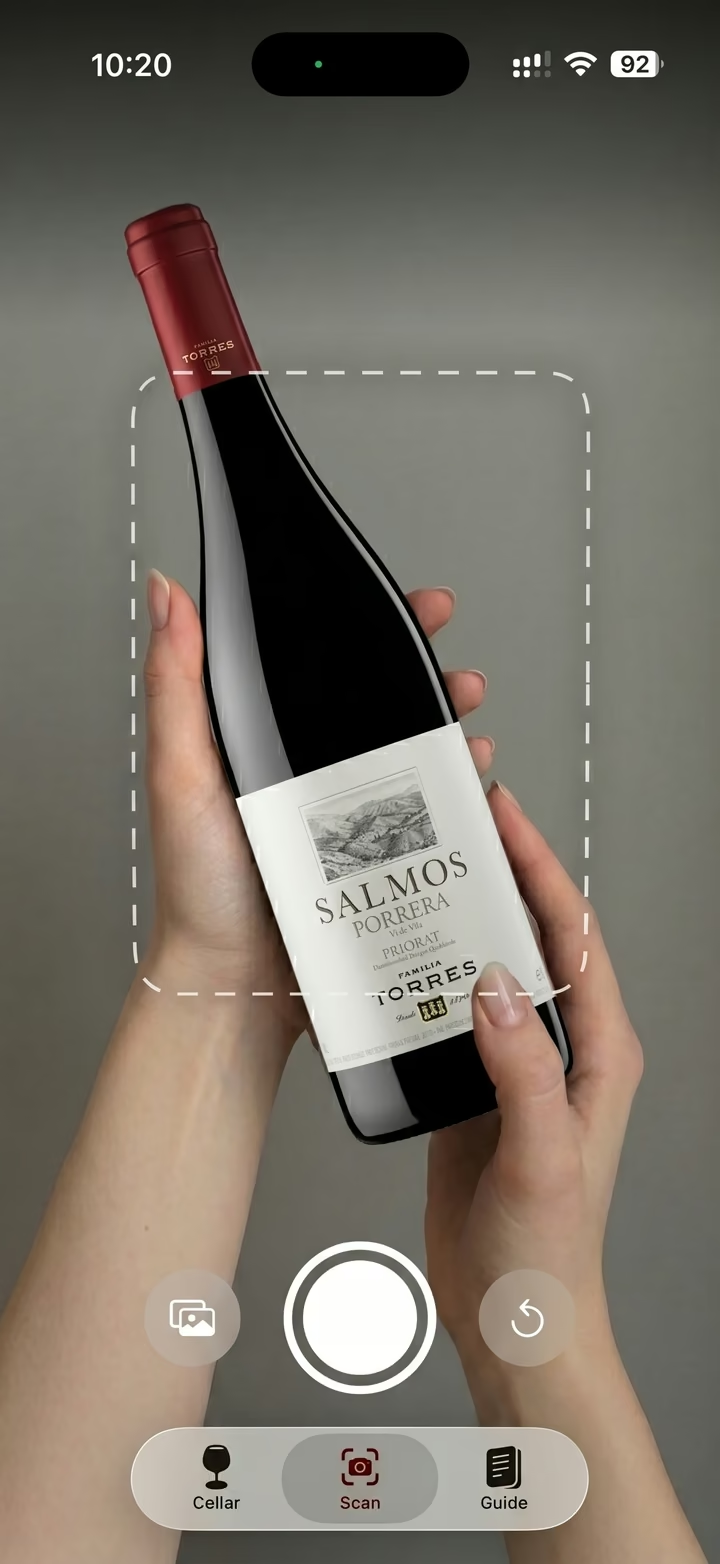
Scan any wine label. Point, capture, and let Swirl identify the bottle from a clear label photo.
Swirl App Store screenshot: Understand the Bottle
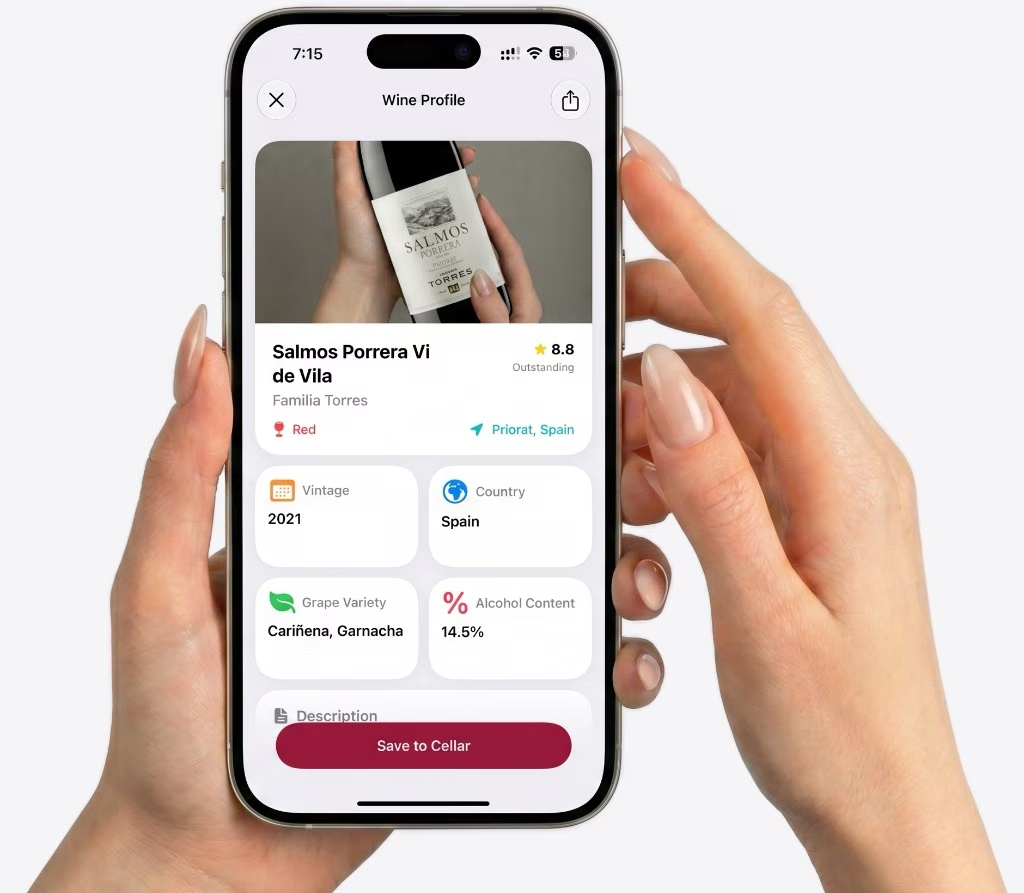
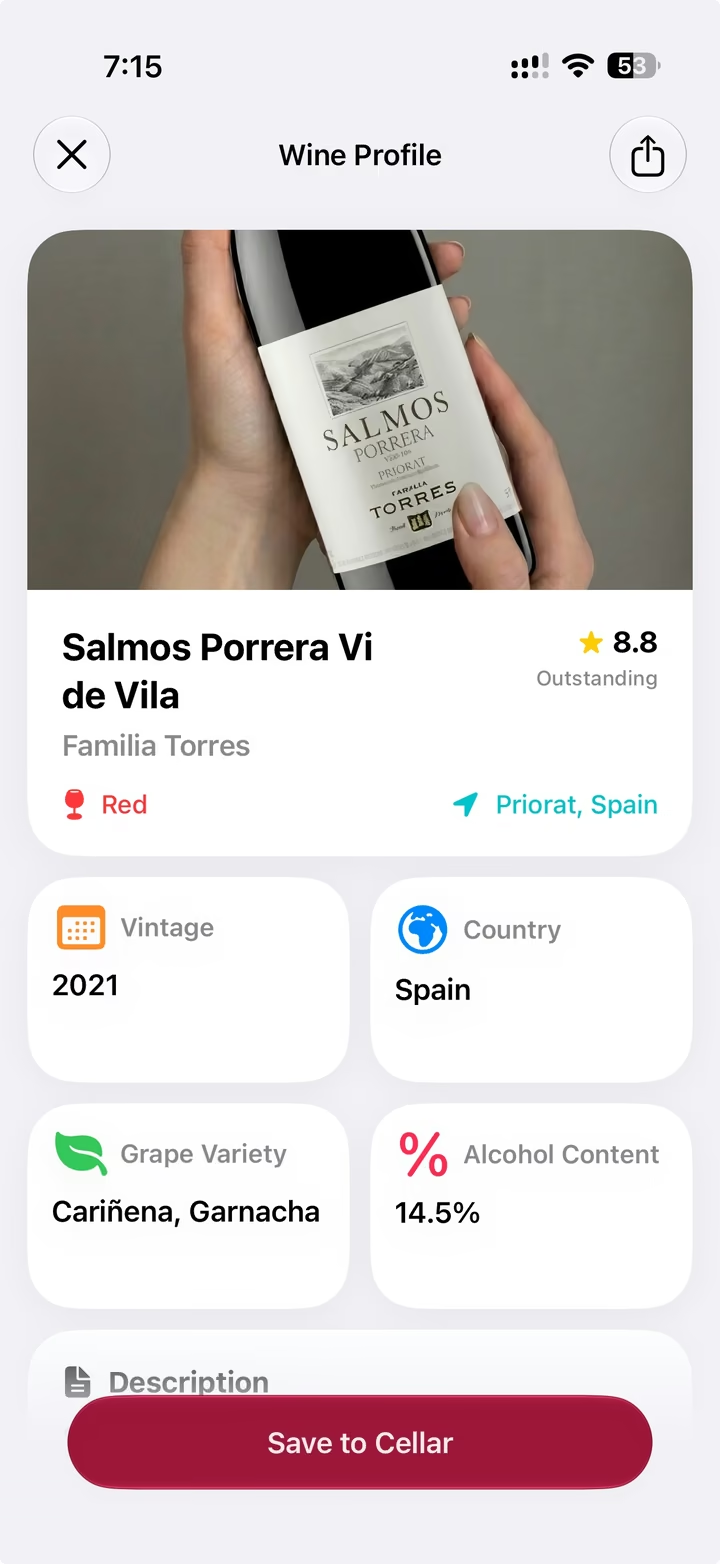
Understand the bottle. Get the wine name, producer, region, grapes, ABV, rating, and tasting details in a clear profile.
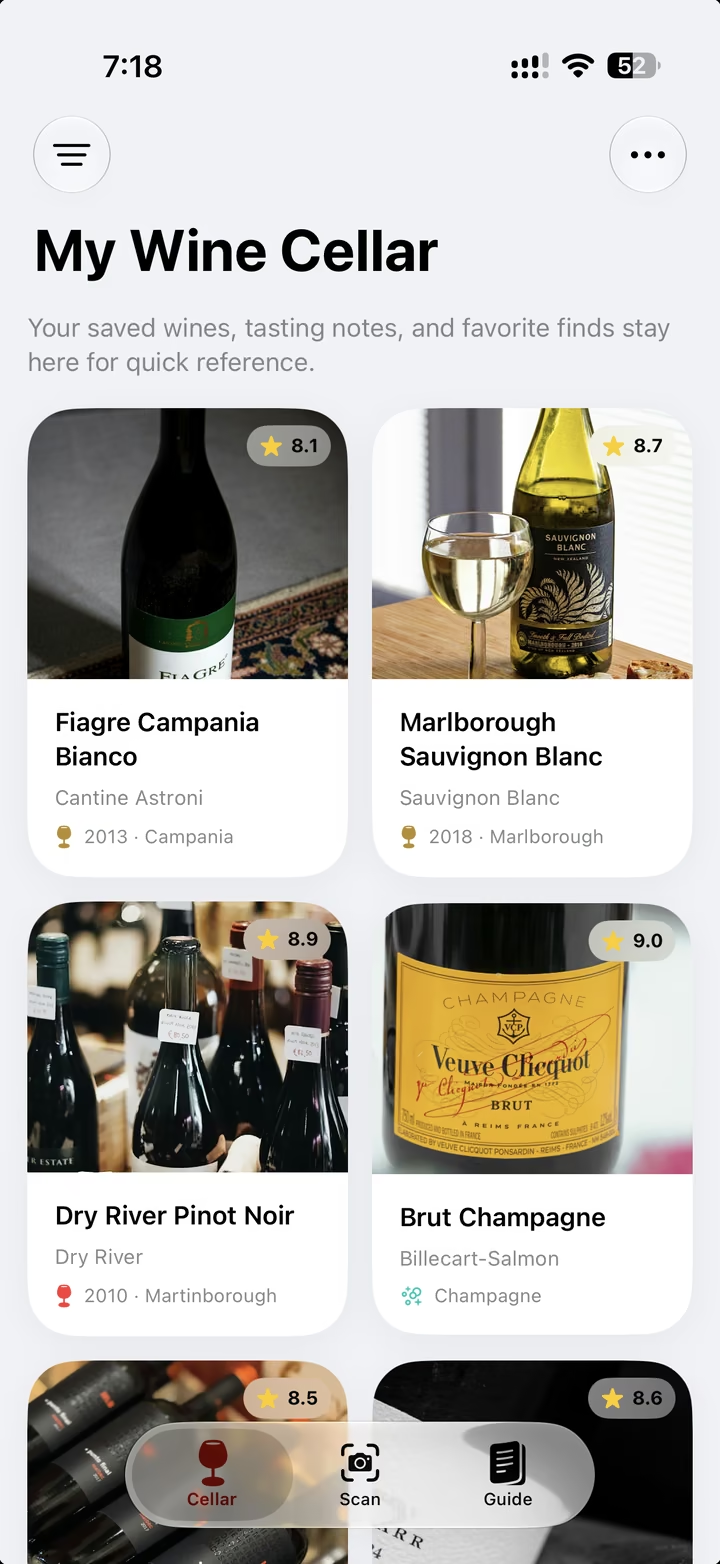
Swirl App Store screenshot: Save Your Favorites

Save your favorites. Build a personal Cellar of wines you want to remember, revisit, and buy again.
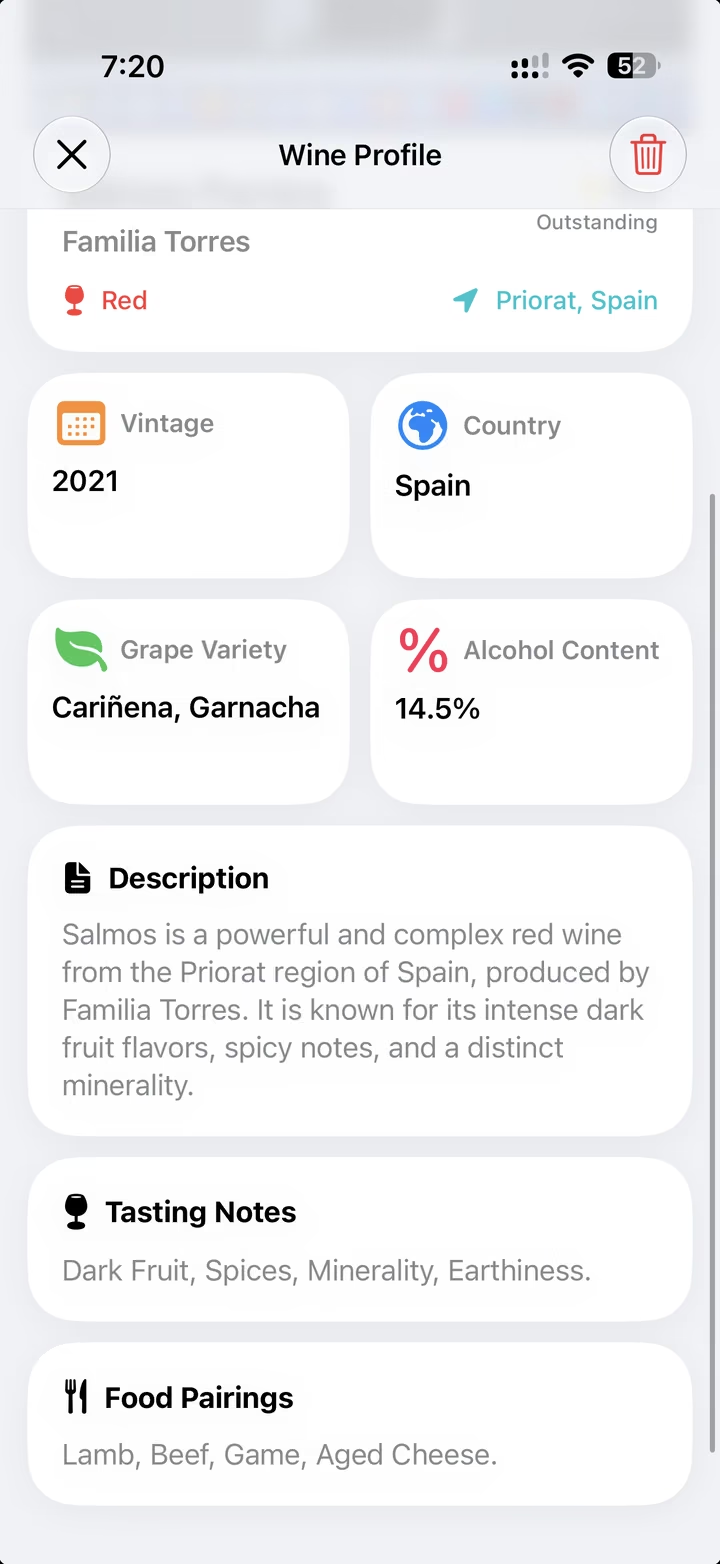
Swirl App Store screenshot: Pair With Confidence

Pair with confidence. See tasting notes and food pairing ideas for every scanned wine.
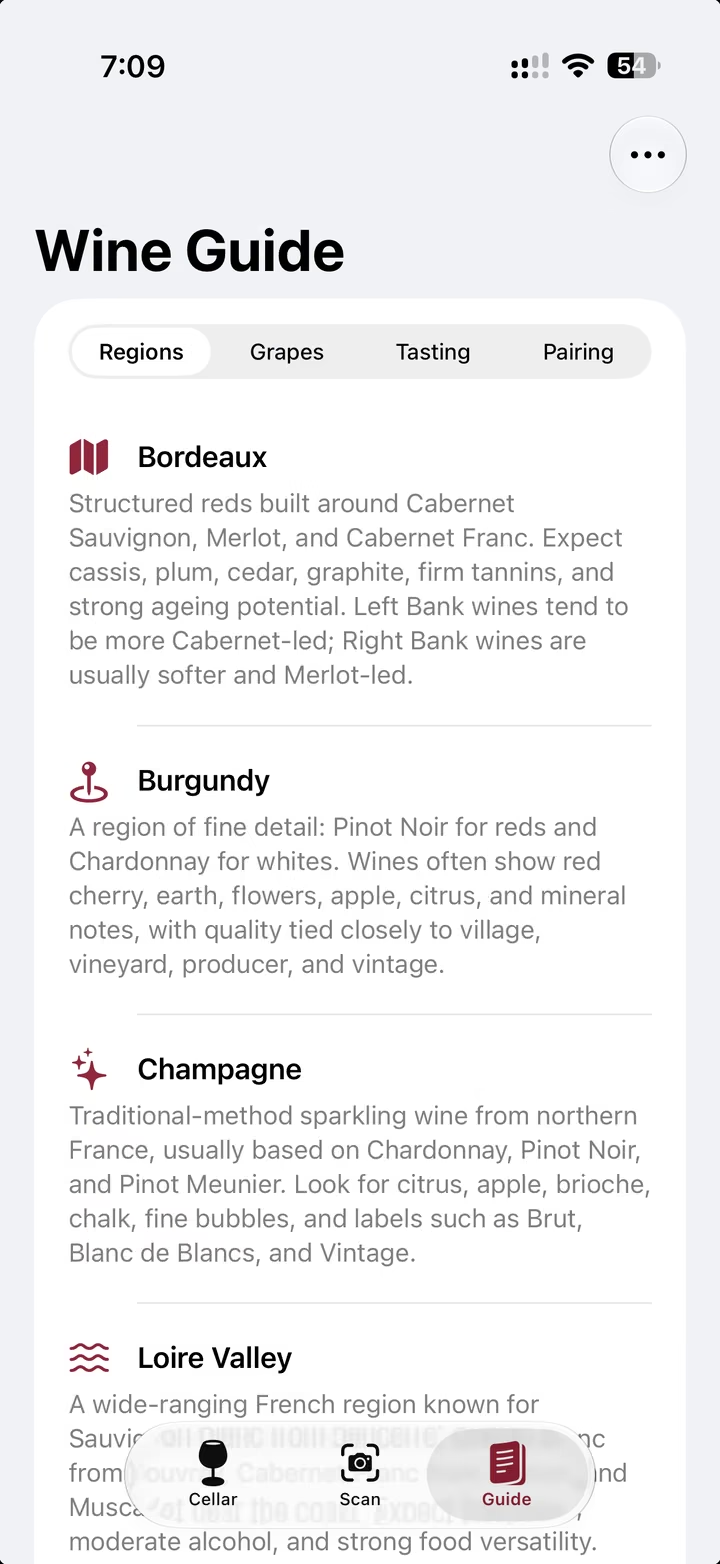
Swirl App Store screenshot: Learn As You Taste

Learn as you taste. Explore regions, grapes, tasting basics, and pairing tips from the built-in Wine Guide.

Why it belongs on your iPhone.

What does Swirl do?
Swirl scans wine labels and turns them into clear wine profiles with the producer, region, grapes, ABV, rating, tasting notes, and food pairing ideas.
Can I save wines I like?
Yes. Save bottles to your personal Cellar so you can remember what you tasted, what you enjoyed, and what to buy again.
Does it help with pairings?
Yes. Each identified wine can include tasting notes and food pairing suggestions, so dinner decisions feel a little easier.
Is it only for experts?
No. Swirl is built for curious beginners, casual wine drinkers, and anyone who wants a simple way to understand a bottle.

Scan the label.
Remember the bottle.

Requires iOS 17 or later