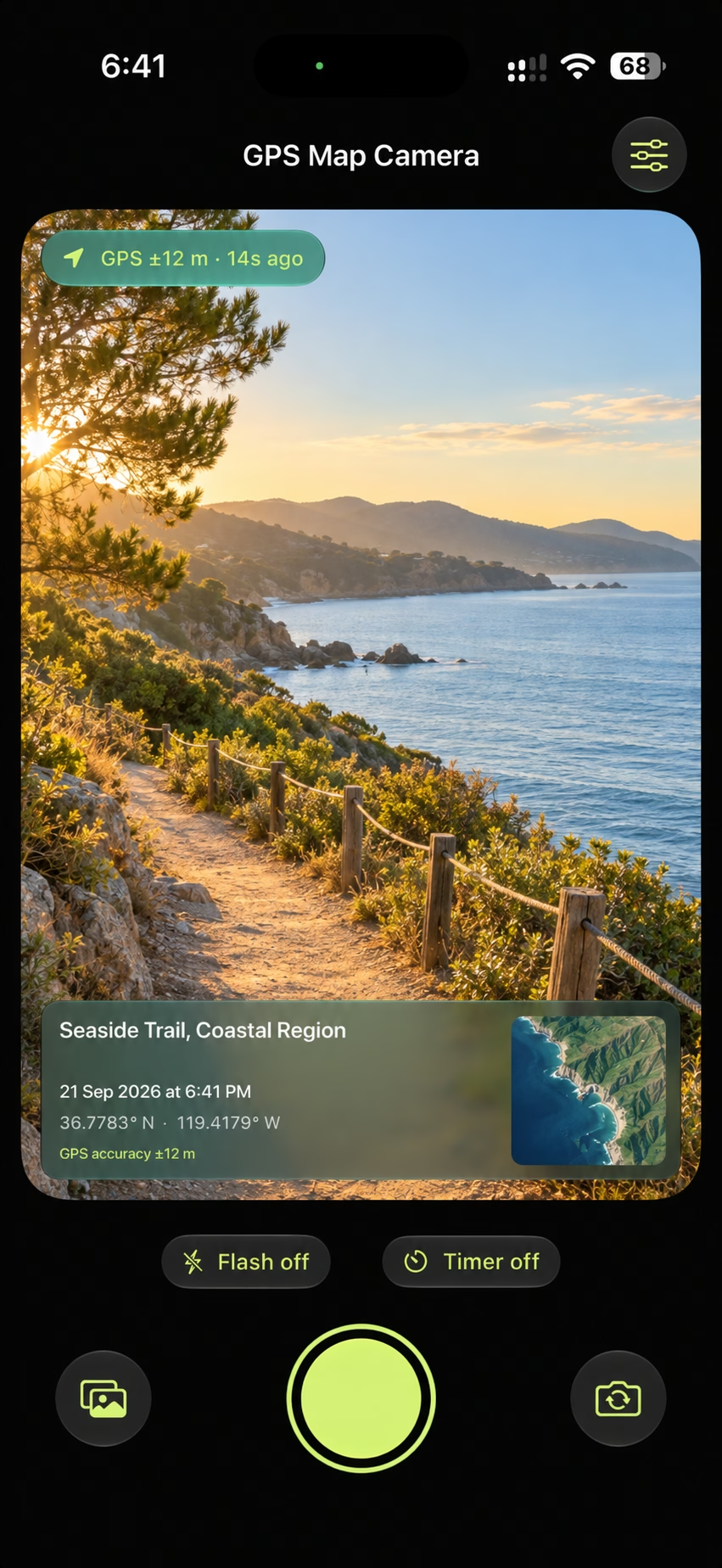
Every Photo, Precisely Placed. Add your location, address when available, coordinates, date, time and a map automatically to every photo you capture, so its context stays visible wherever you share it.

GPS Map Camera
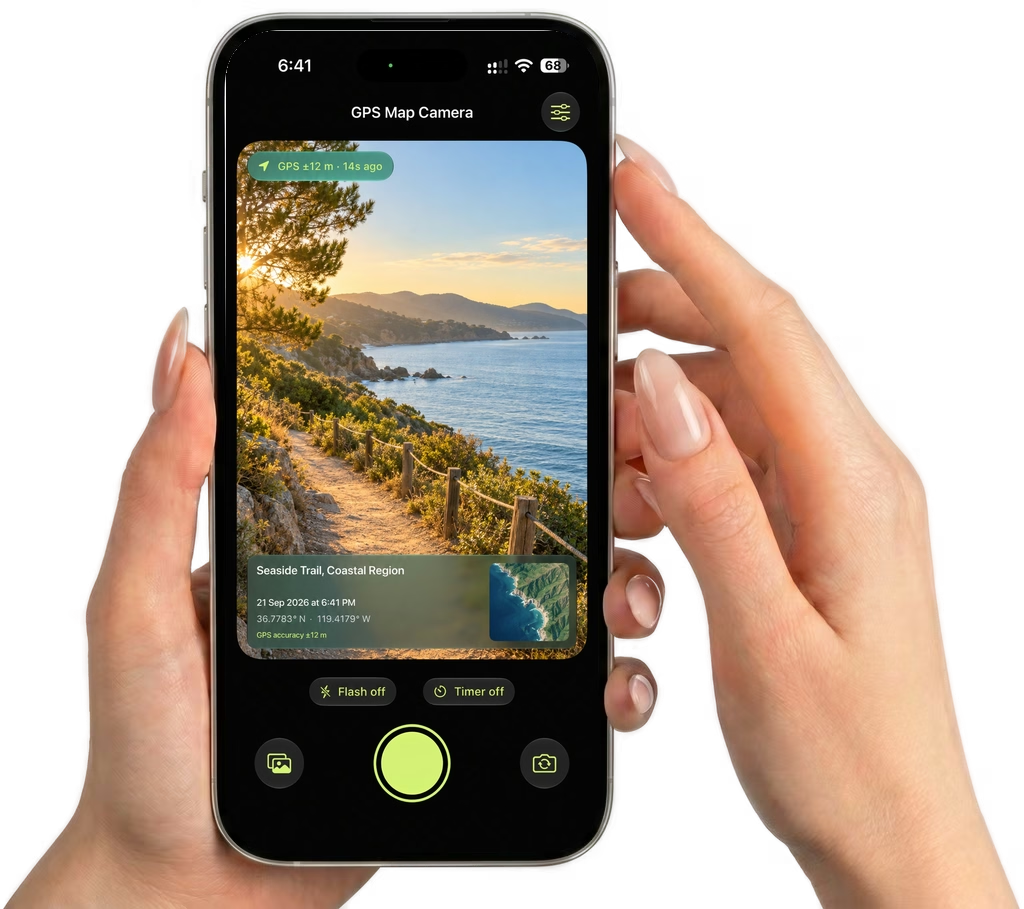
Every Photo, Precisely Placed. Add your location, address when available, coordinates, date, time and a map automatically to every photo you capture, so its context stays visible wherever you share it.
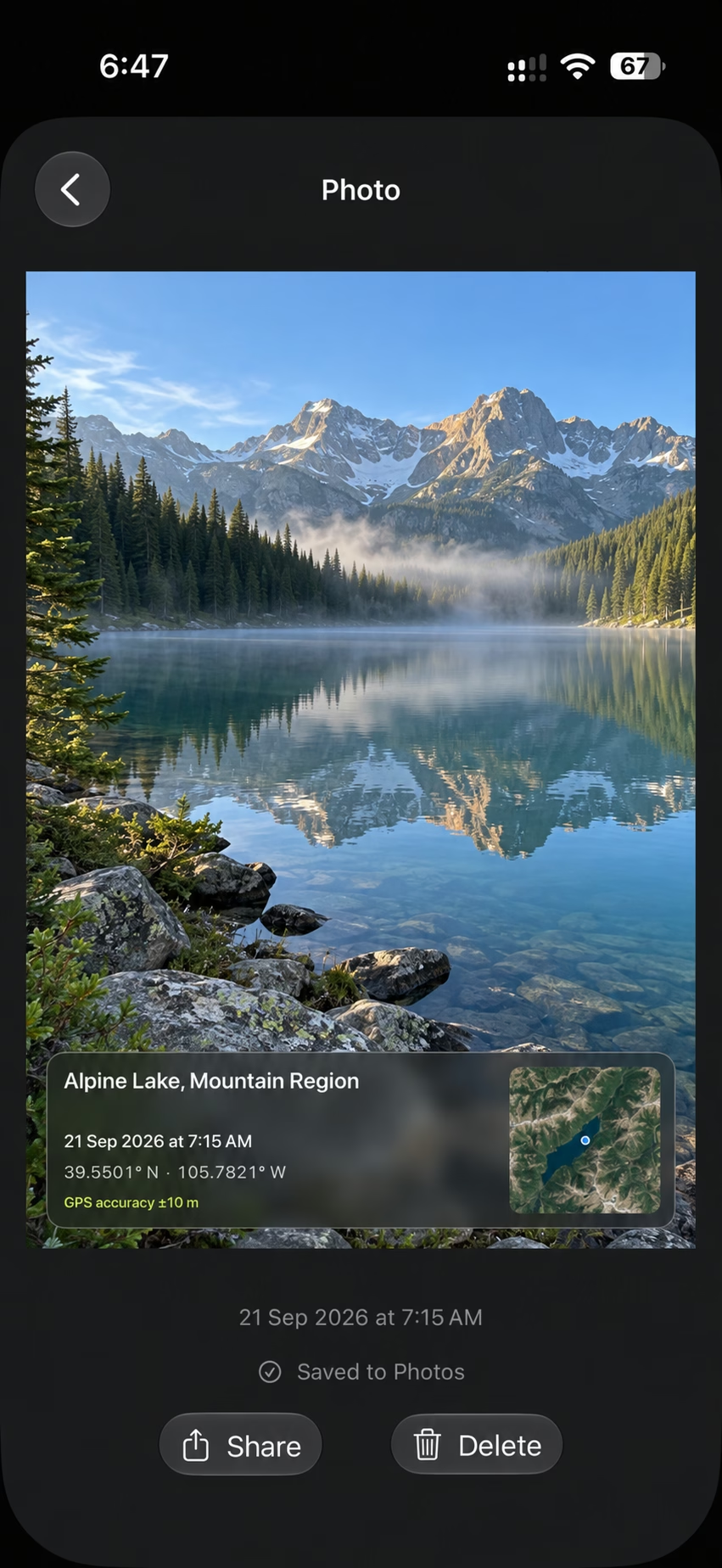
Capture the Whole Story. Your place and your time are saved right on the finished photo. Open it later to see the scene with its location, timestamp and map still in view.
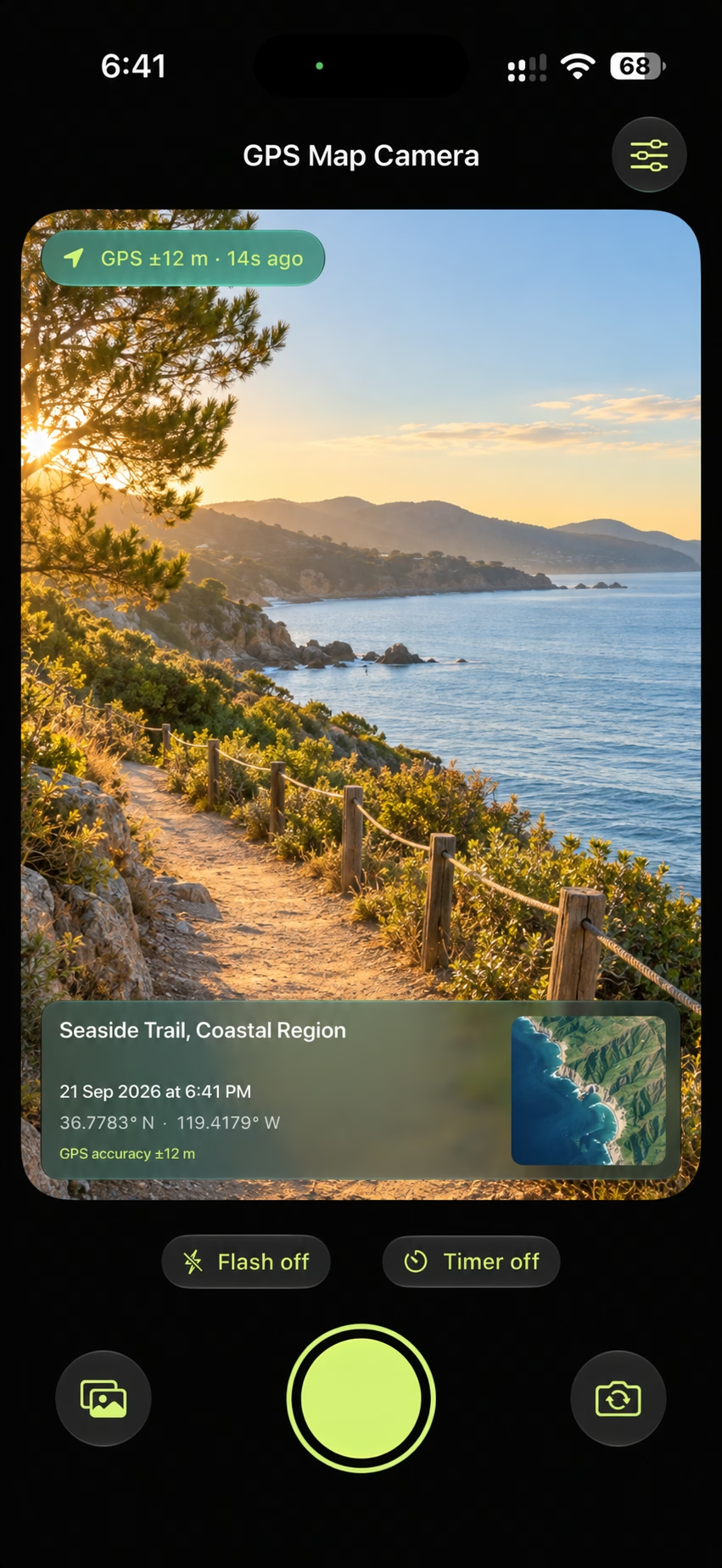
Shoot Your Way. Switch supported lenses, choose a three- or ten-second timer, control the flash and frame your shot before capturing a photo with its location details.
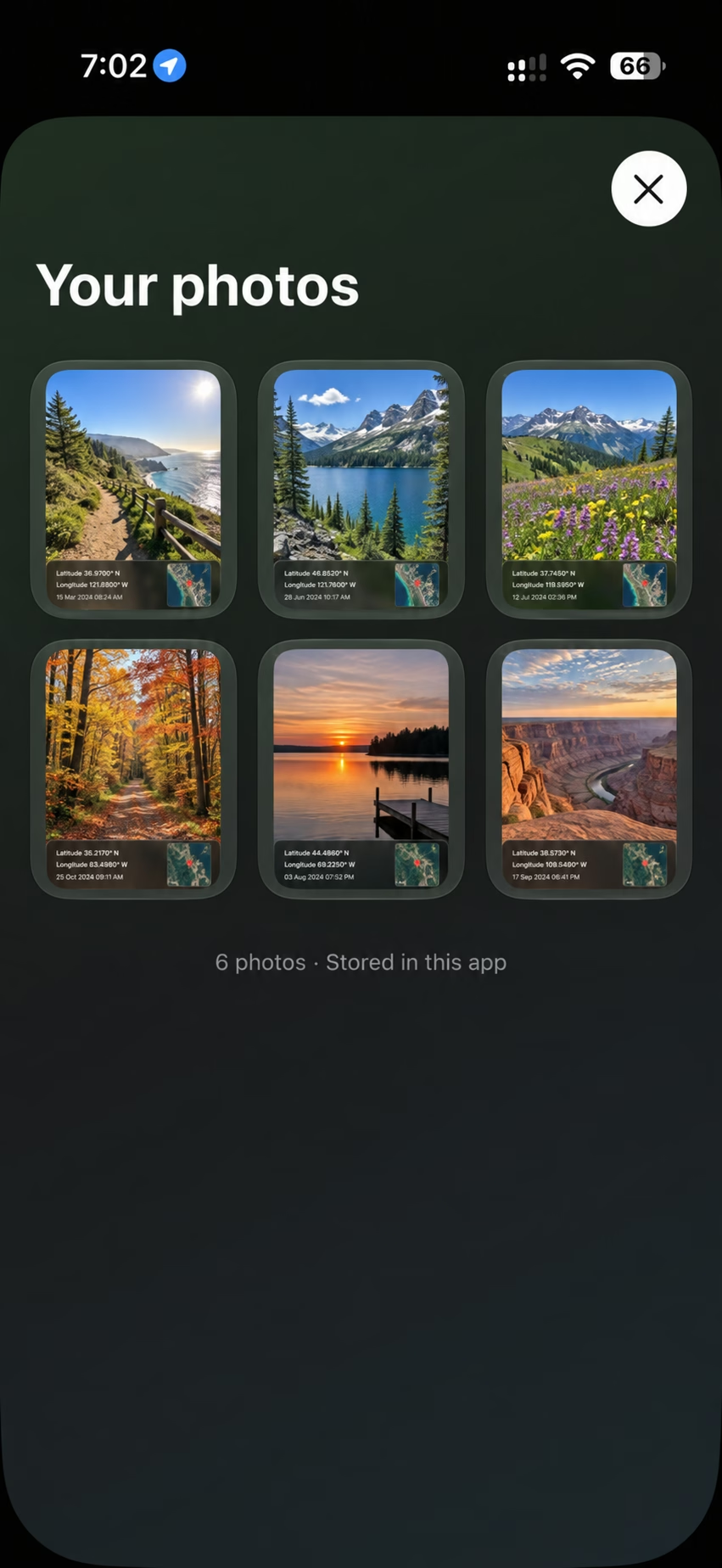
Your GPS-Stamped Gallery. Keep your captured moments organised in one place. Browse your stamped photos together, then open any image to revisit its location and time.
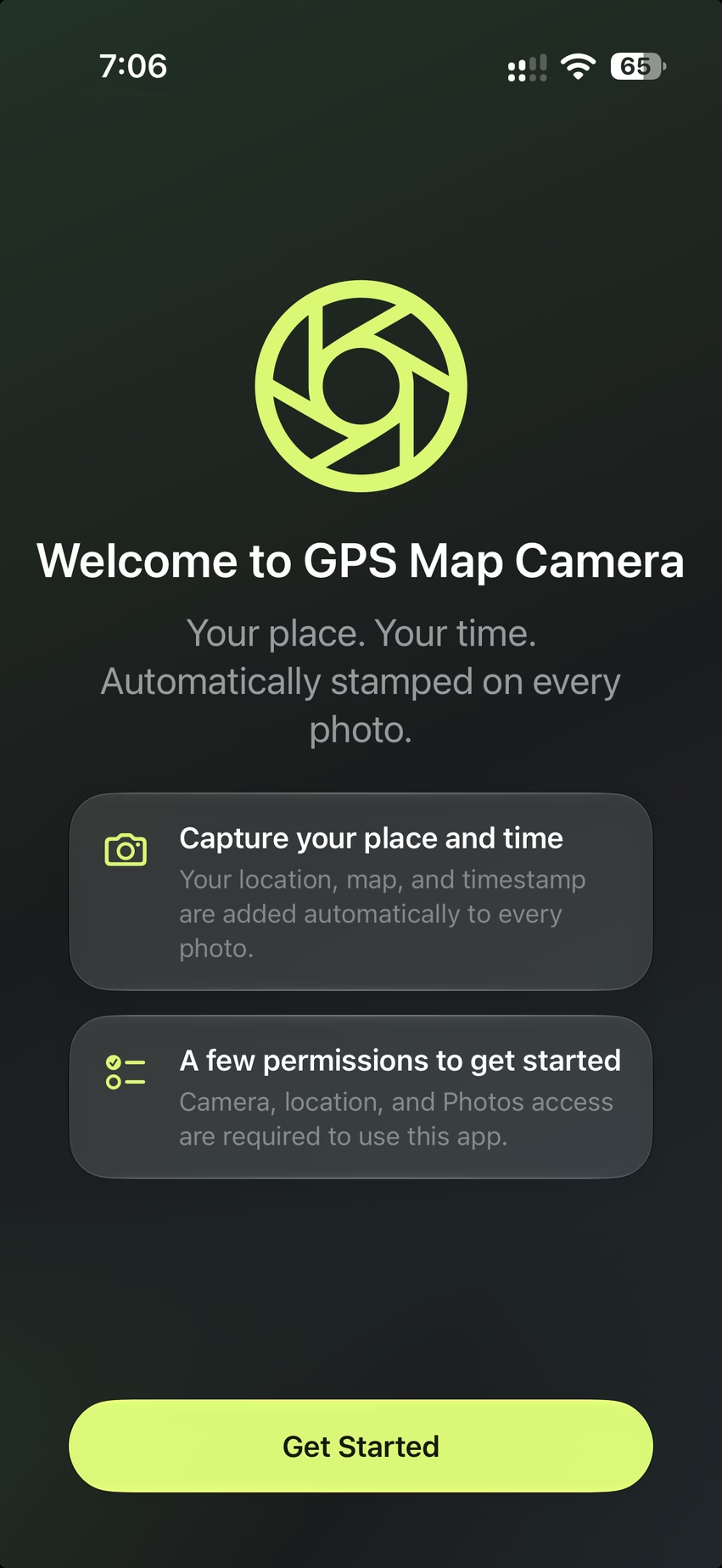
Ready When You Are. Get started with a simple setup for camera, location and photo saving. Once access is granted, you can capture and save your first GPS-stamped photo.
Requires iOS 26 or later