QuickReads app icon

QuickReads

Read powerful ideas. In minutes.

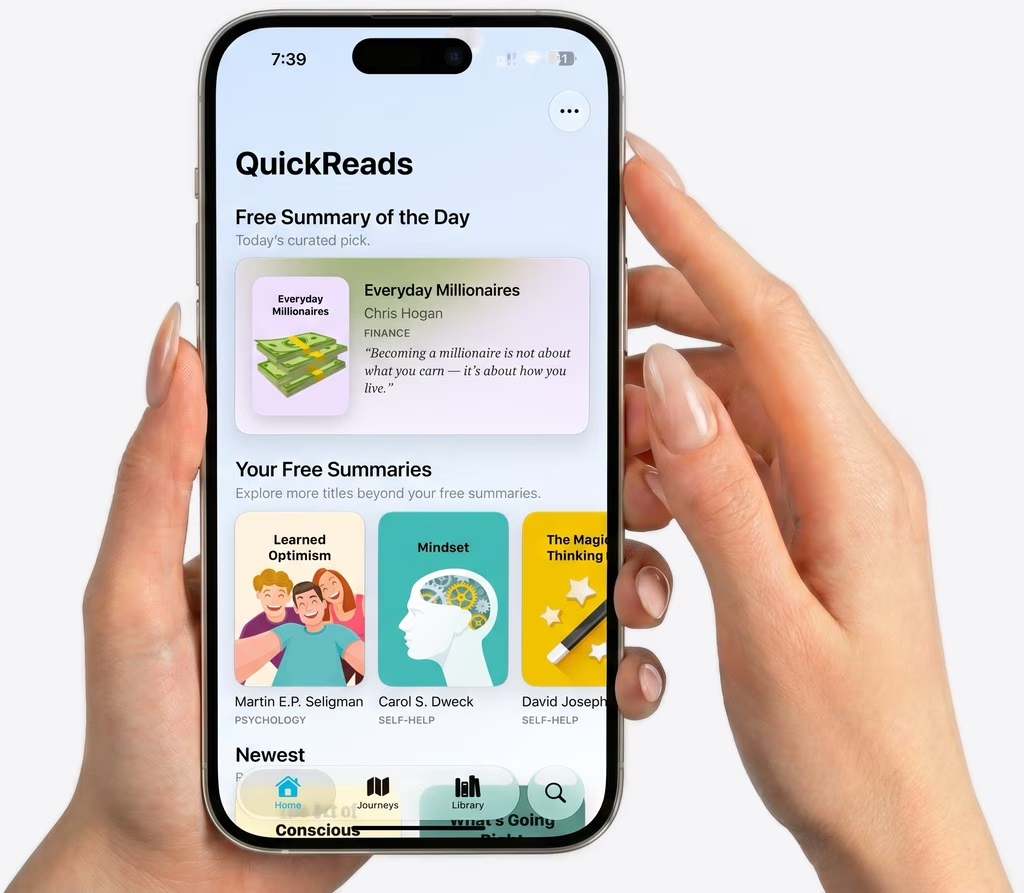
QuickReads App Store screenshot showing the app on iPhone

Built for busy readers. Made for daily progress.

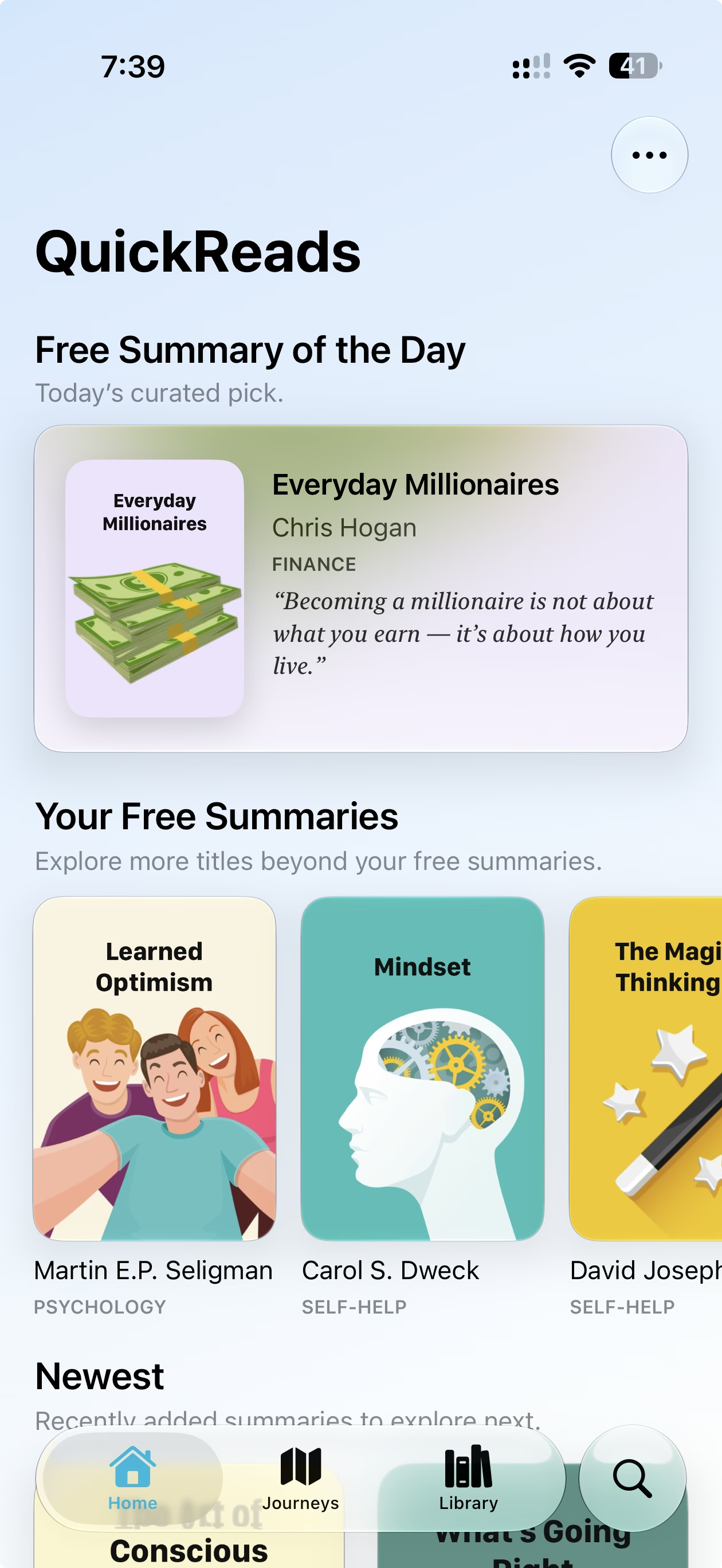
QuickReads App Store screenshot: Free Summary of the Day

Start with a free daily summary. Open today’s curated pick and read a useful idea without deciding what to read first.
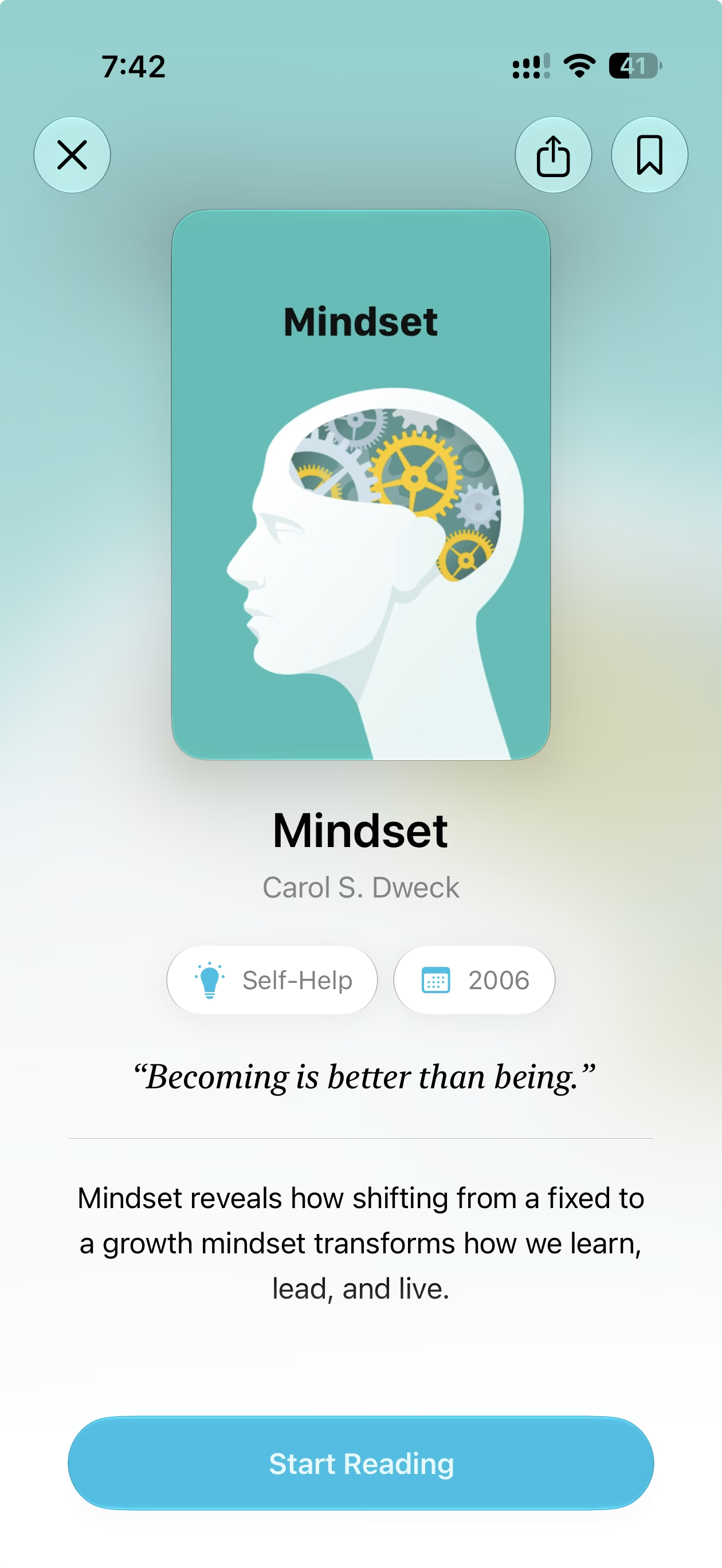
QuickReads App Store screenshot: Book intro screen
Read the core idea fast. Open a book summary for the key point, quote, genre, author, and a simple path into the full read.
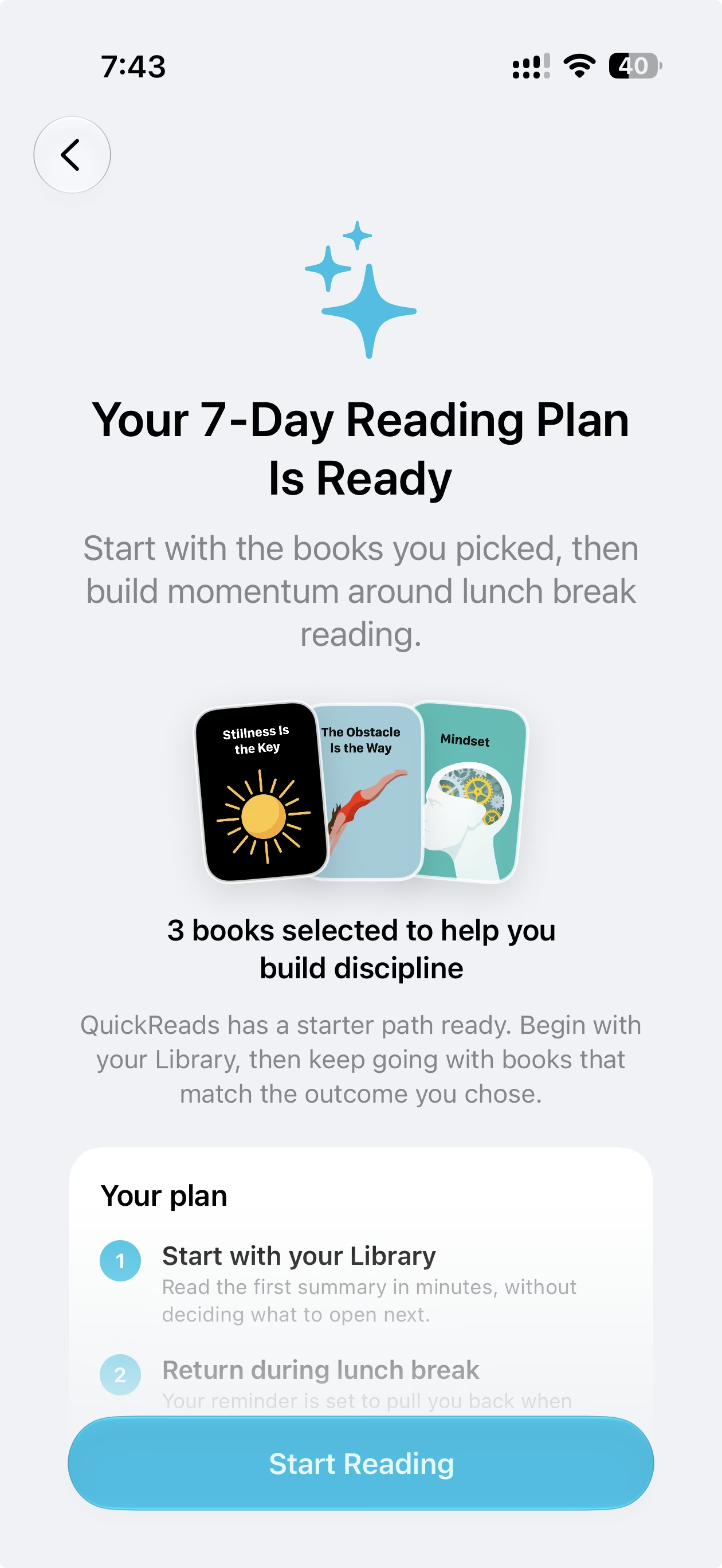
QuickReads App Store screenshot: 7-Day Reading Plan

Begin with a reading plan. Pick your goal and QuickReads helps you start with books that match the habit you want to build.
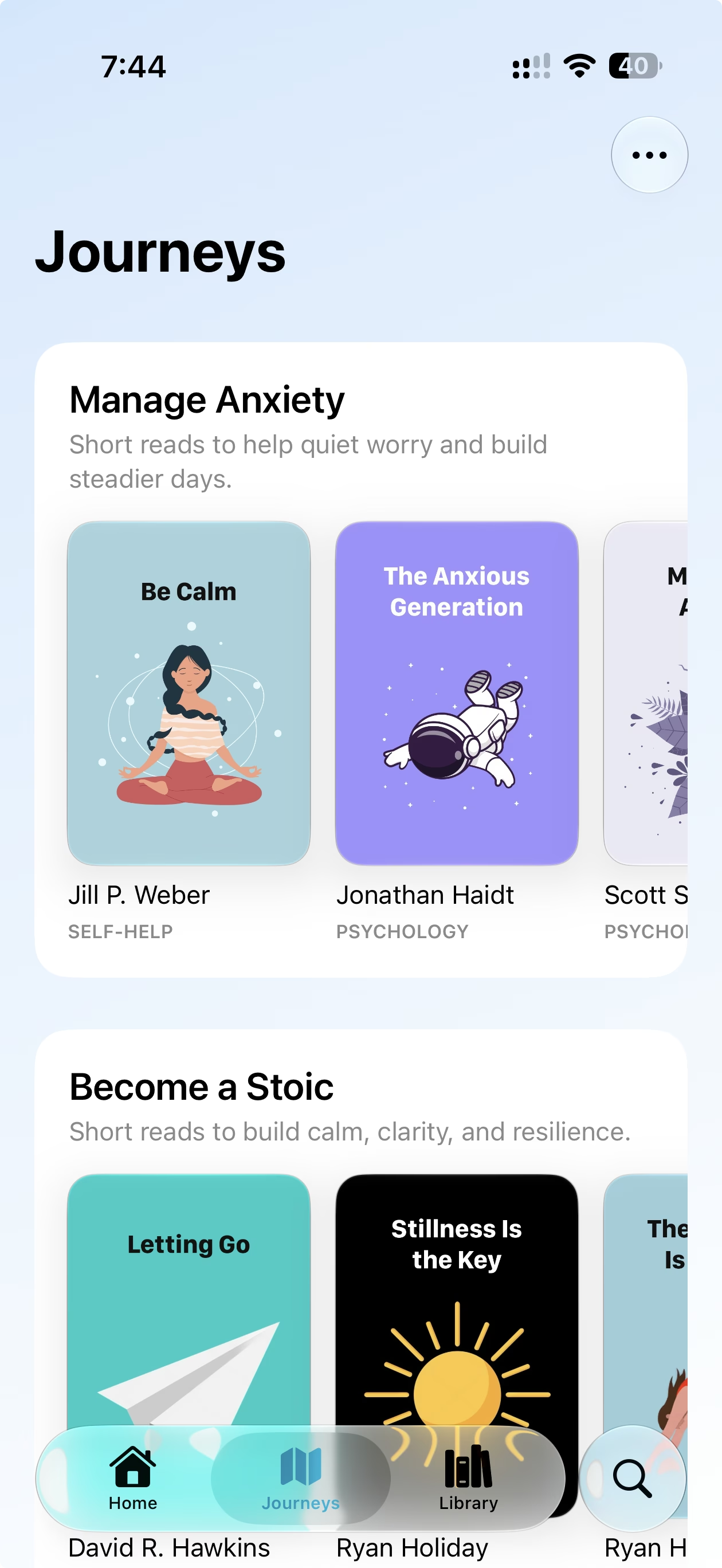
QuickReads App Store screenshot: Journeys

Follow curated journeys. Explore focused paths for anxiety, stoicism, money, habits, and more.
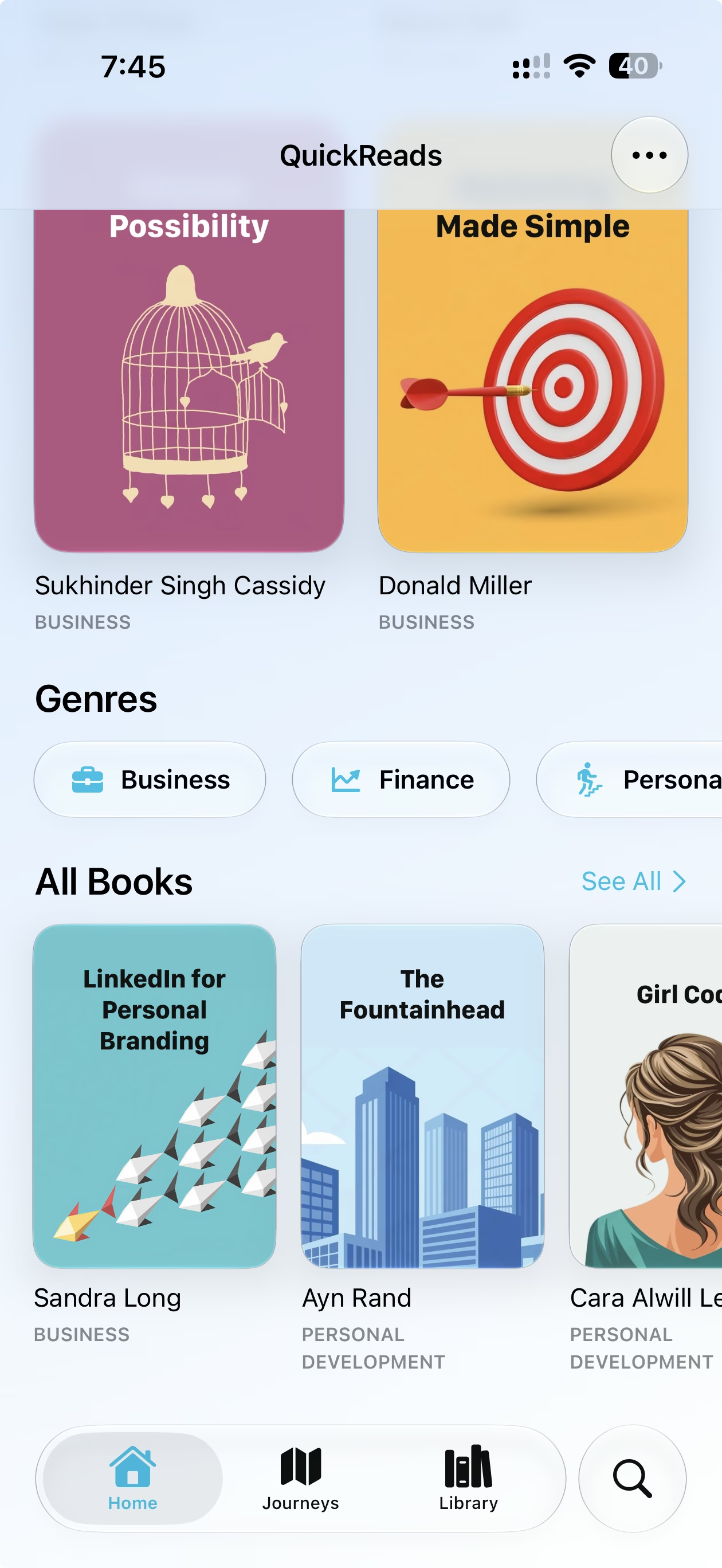
QuickReads App Store screenshot: Discover books and genres

Explore your next read. Browse new summaries, genre shortcuts, free picks, and the full library from one home feed.
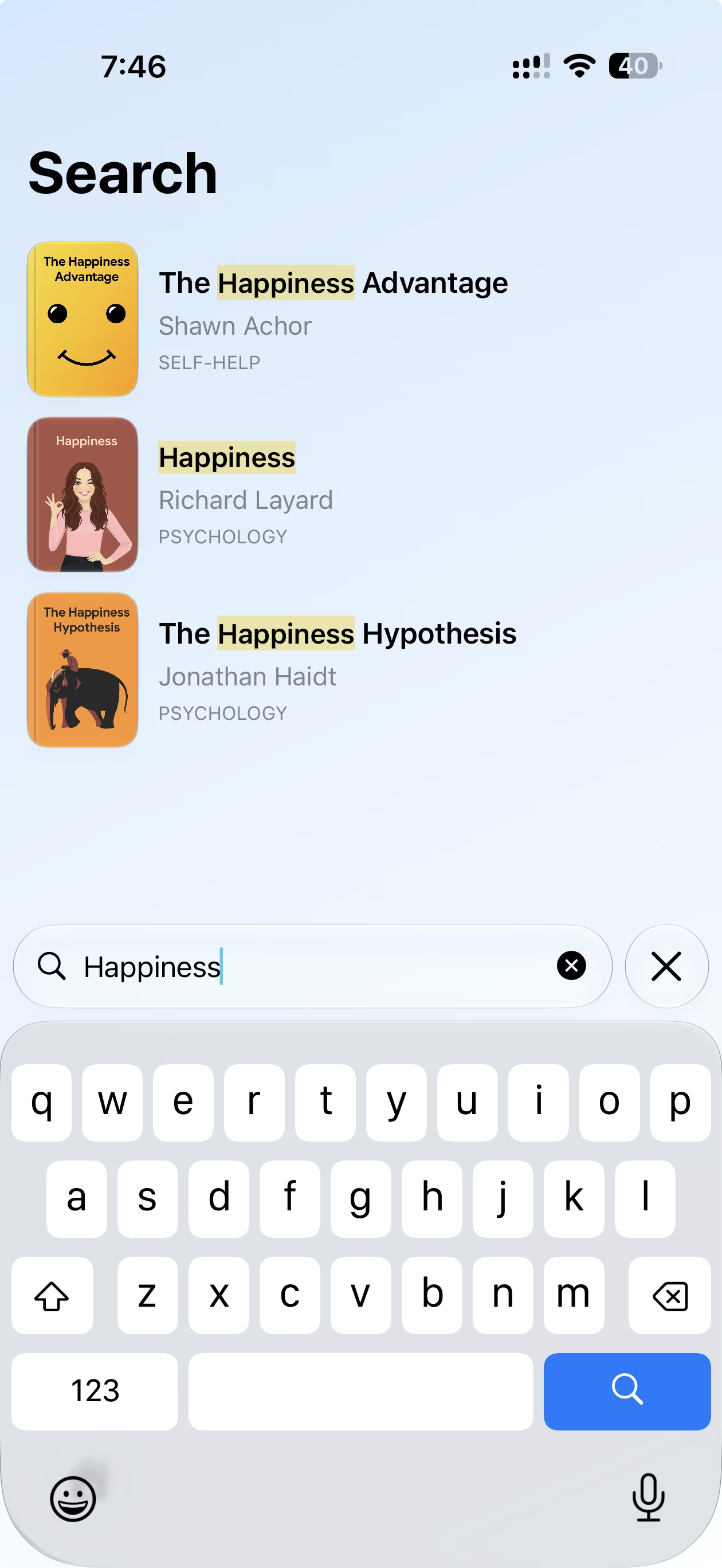
QuickReads App Store screenshot: Search

Find any book fast. Search by title or author and jump straight to the summary you need.
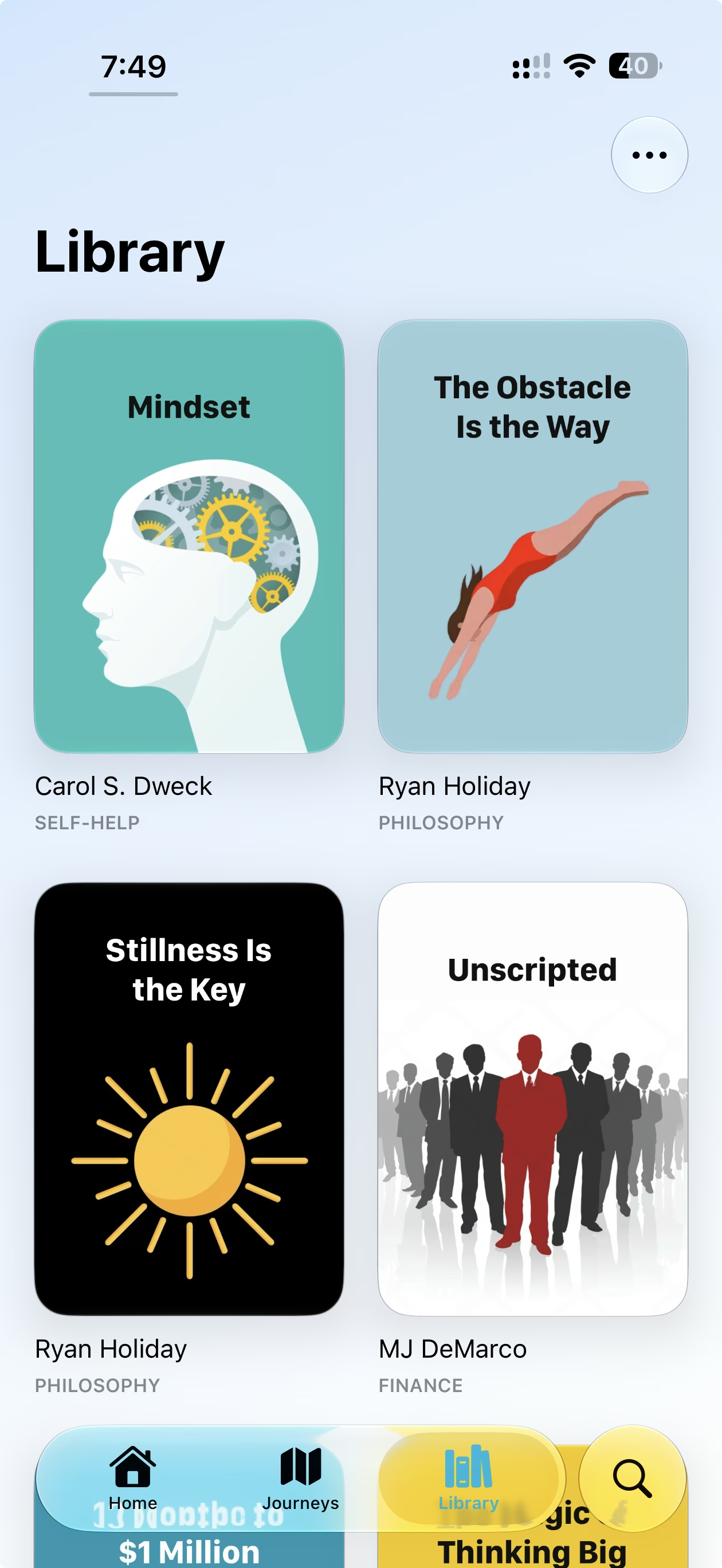
QuickReads App Store screenshot: Library

Save ideas worth revisiting. Keep useful summaries in your Library so the books that matter stay close.

Why it belongs on your iPhone.

What does QuickReads do?
QuickReads gives you short summaries of practical nonfiction books, including key ideas, quotes, and takeaways you can read in minutes.
Can I save books?
Yes. Add books to your Library so the ideas you want to revisit stay easy to find.
Does it help me decide what to read?
Yes. QuickReads includes a daily summary pick, goal-based onboarding, curated journeys, genres, and search.
Do I need an account?
No. QuickReads does not require account creation to browse and read summaries.

Read smarter.
Keep the idea.

Requires iOS 17 or later